AI Task: Automating calendar tasks
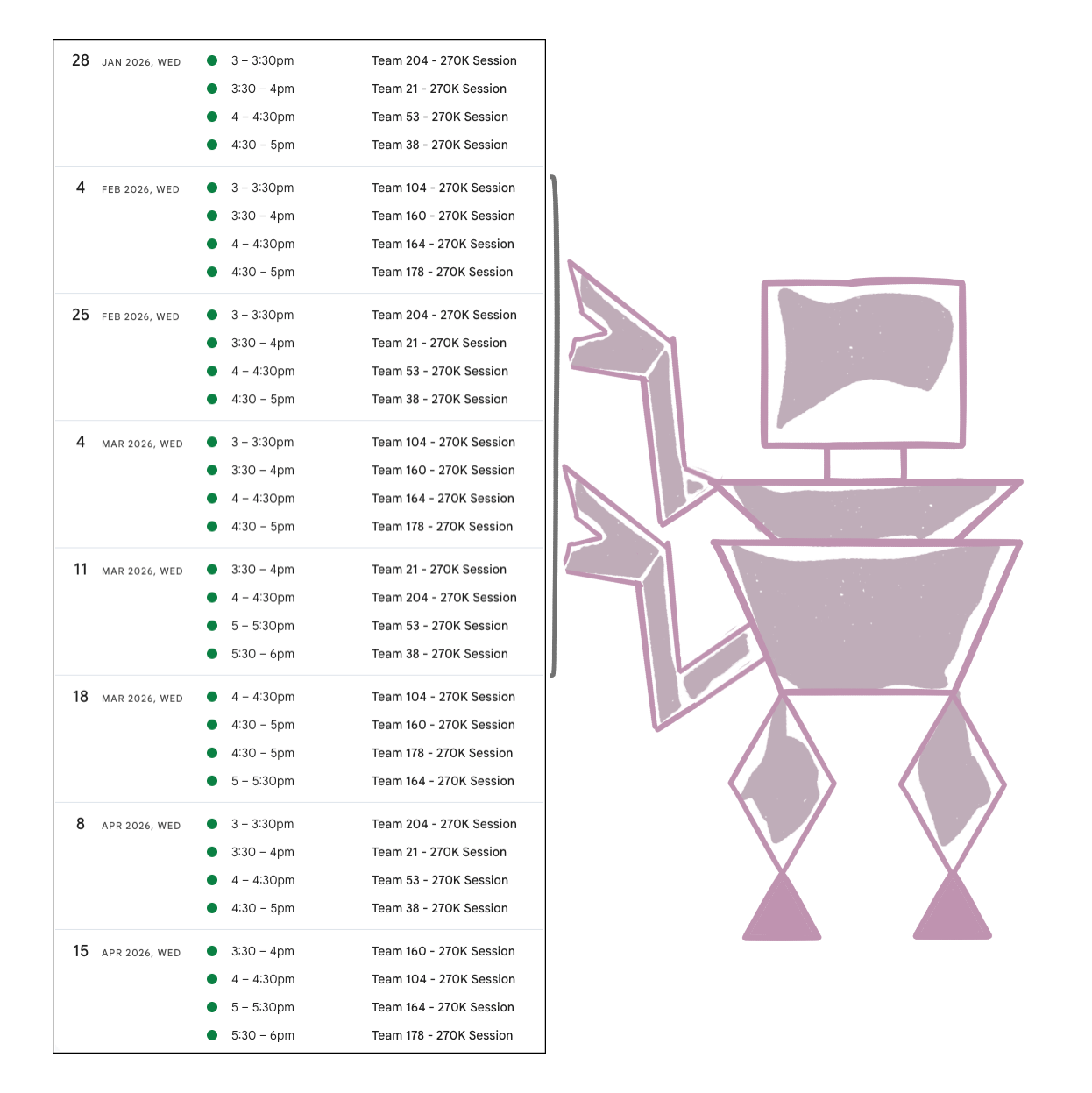
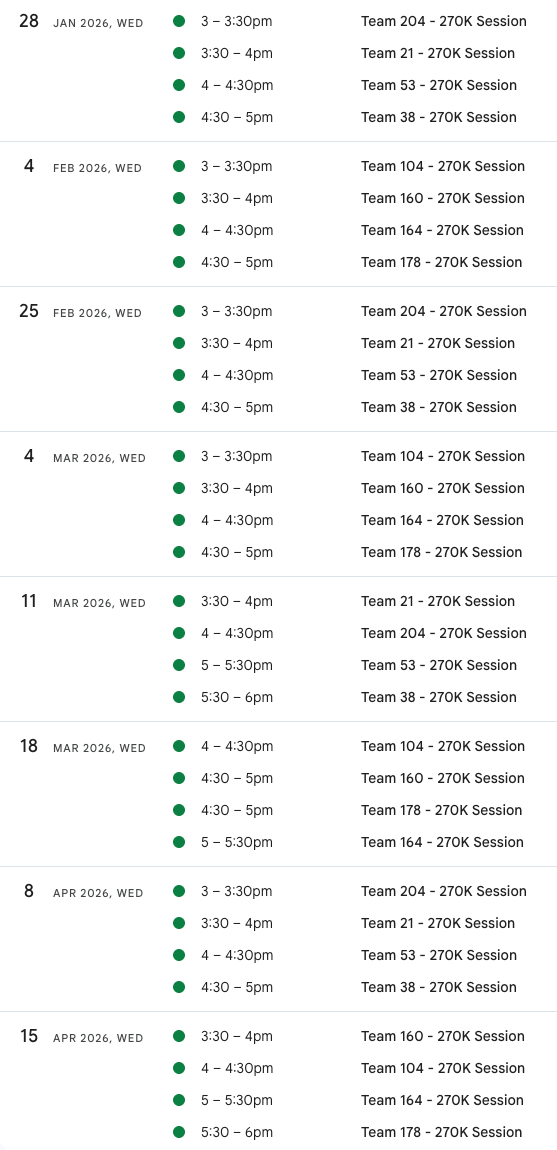
Just used Gemini Enterprise chatbot to create 32 calendar invites from a spreadsheet. Someone else creates this spreadsheet for the meetings but usually I have to manually make the calendar invites.
This time around, I thought...maybe the machine can do this for me.
and wow!
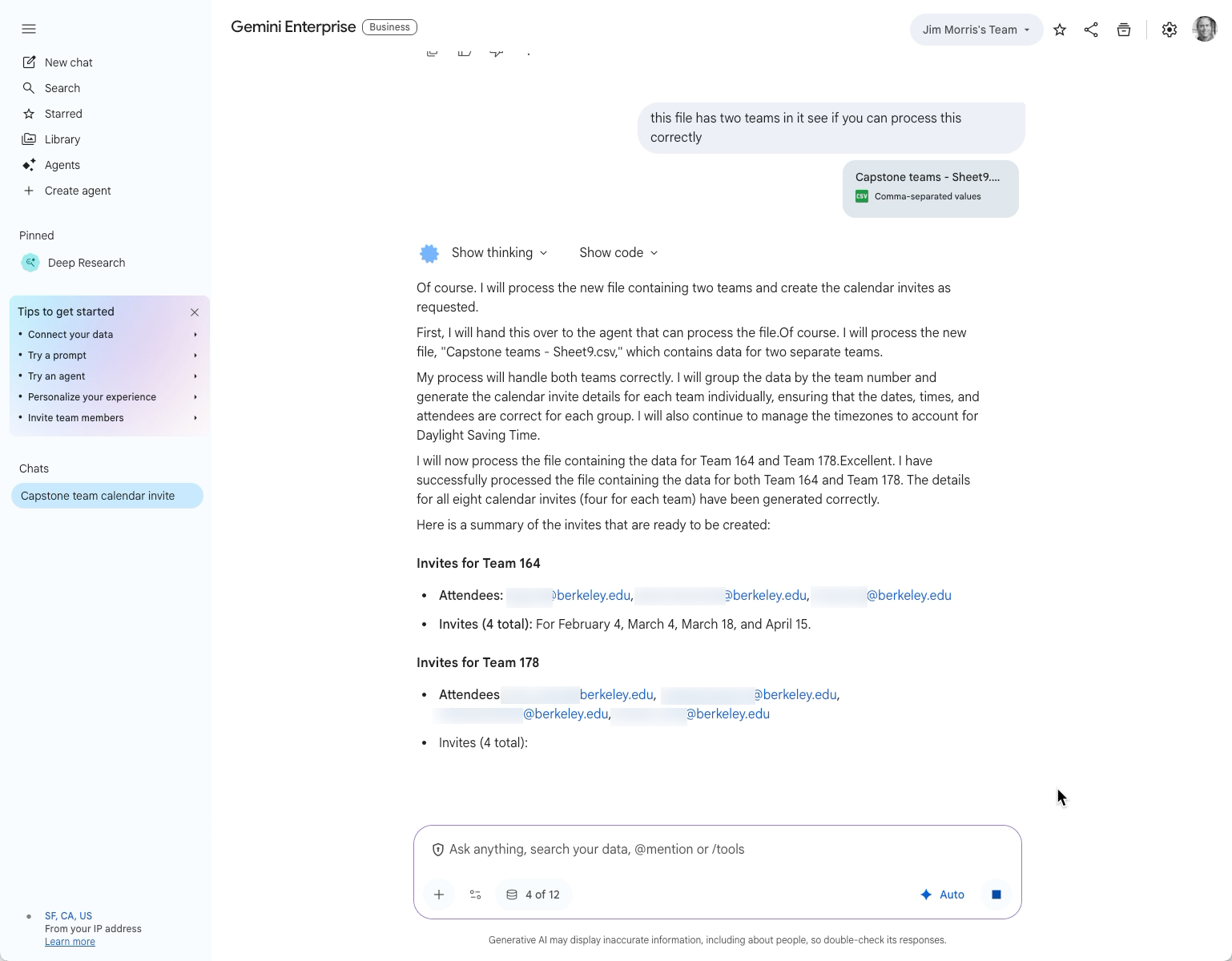
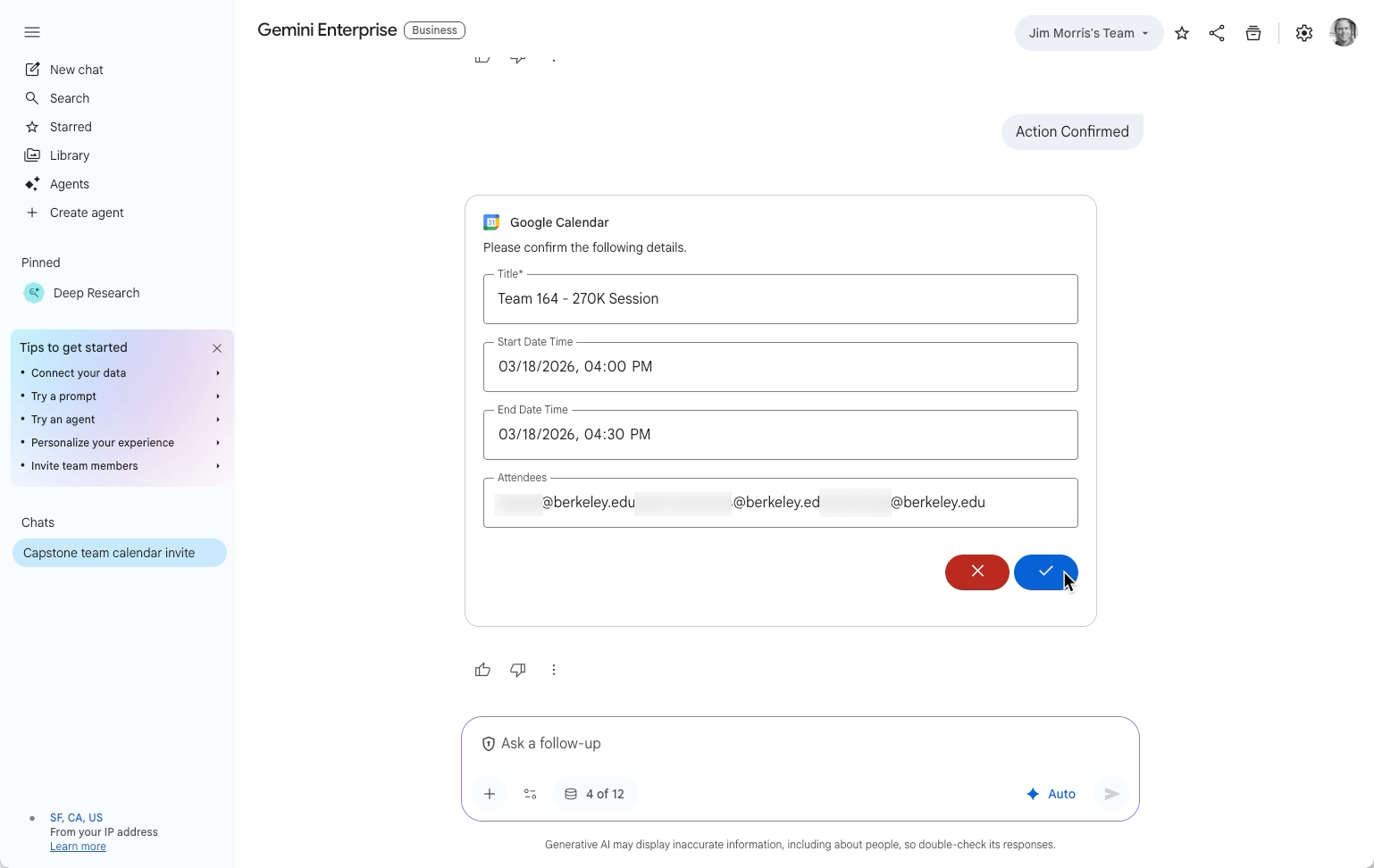
My UC Berkeley Spring Capstone meetings are now sent out. It took about 3 minutes to process 4 invites (each team) so not lightning fast but it didn't make any mistakes and made this task much easier since I supervised rather than did the work.
It worked well on one team's data at a time and then I managed to get it to process two teams in one dataset and prompt.
I used a simple prompt:
can you make a calendar invite that it titled "Team NUMBER - 270K Session" where you replace "NUMBER" with the number in the first column of the data I'm pasting. Then add all the emails from each row. Then create one invite for each of the dates in the last column of the data using the start/end time in the row. Only one calendar invite per date per number in the first column of the data. then add all the emails. Make sure it has a Google Meet video conference in the invite turned on.

The AI-Enhanced Product Manager

Jim coaches Product Management organizations in startups, growth stage companies and Fortune 100s.
He's a Silicon Valley founder with over two decades of experience including an IPO ($450 million) and a buyout ($168 million). These days, he coaches Product leaders and teams to find product-market fit and accelerate growth across a variety of industries and business models.
Jim graduated from Stanford University with a BS in Computer Science and currently lectures at University of California, Berkeley in Product Management.